Jira Integration
Kubiya supports integration with Atlassian JIRA. This integration allows you to view , create and update JIRA issues from Kubiya.
STEP 1 - Create an API Key in Jira
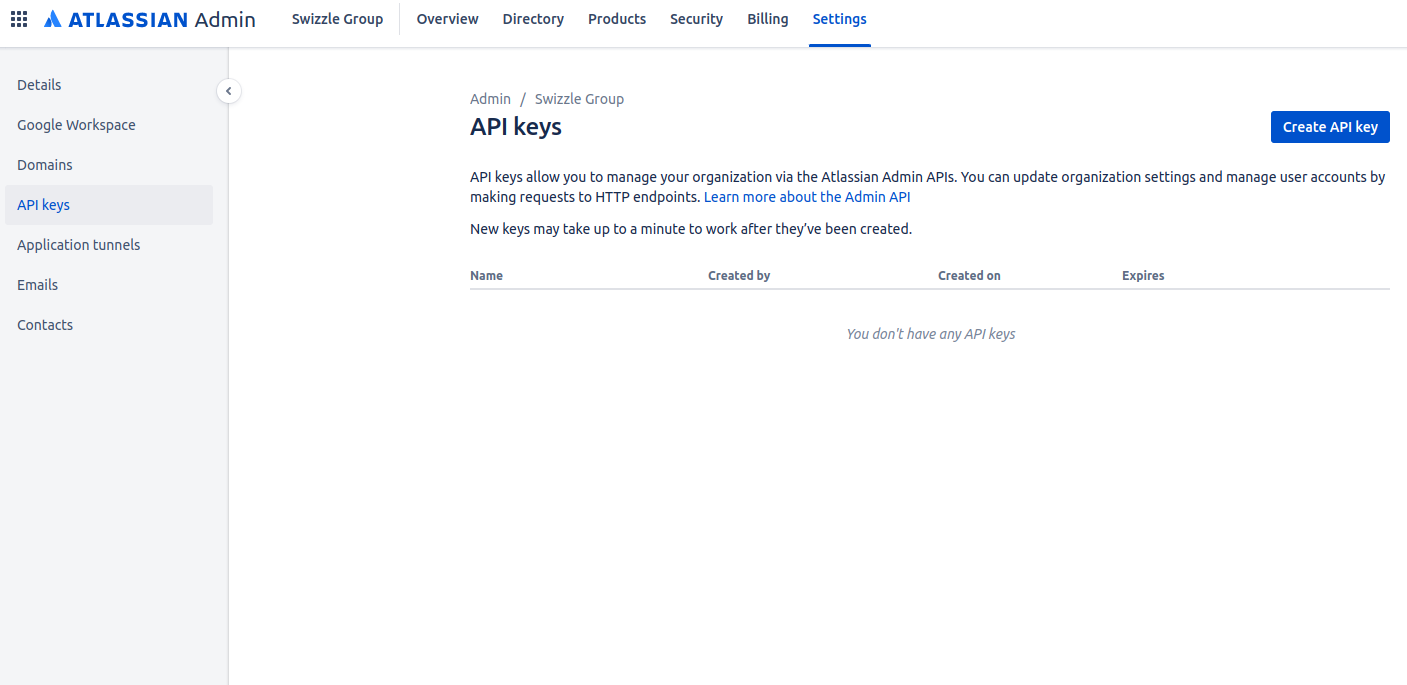
- Login to your Atlassian Admin account and navigate to Settings
- Click on the “API Keys” Section
-
Click “Create API Key” button in the top right corner
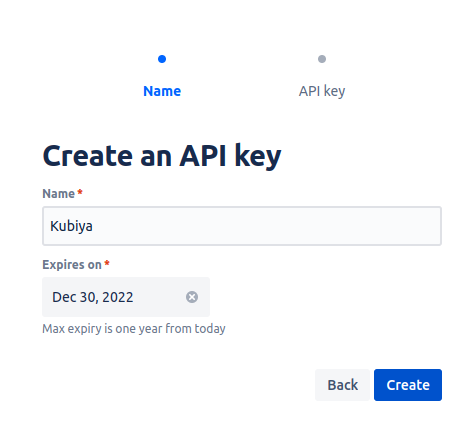
- In the “Create an API key” dialog:
- Name the API Key
- Select the desired expiration date of the key
- Click ‘Create’
-
In the ‘API key’ dialog, Copy and Store the Organization ID and the API key to a safe location. You will need these in the next step

STEP 2 - Create a Kubiya Secret from the Kubiya CLI
-
At the command prompt issue the following command with the API Key that was created above:
kubiya secret create -n jira/api_token -v "<your API Key>" -
If successful the CLI will return the following:

-
If unsuccessful the CLI will return an error.
STEP 3 - Enable Jira Integration from the Kubiya CLI
-
At the command prompt issue the following command:
     kubiya integration enable -n jira -c '{
         "jira_username" : "<your Jira Username>",
         "jira_default_jql" : "project = <your project name>"
         "jira_url" : "https://<yourdomain>.atlassian.net>"
     }'